Time Slider
Move every saved city through time together, or return to Now with one tap.
 diClock
See the time and weather in the places you care about. Slide through the day to plan a call, or open a city to see photos shared from there.
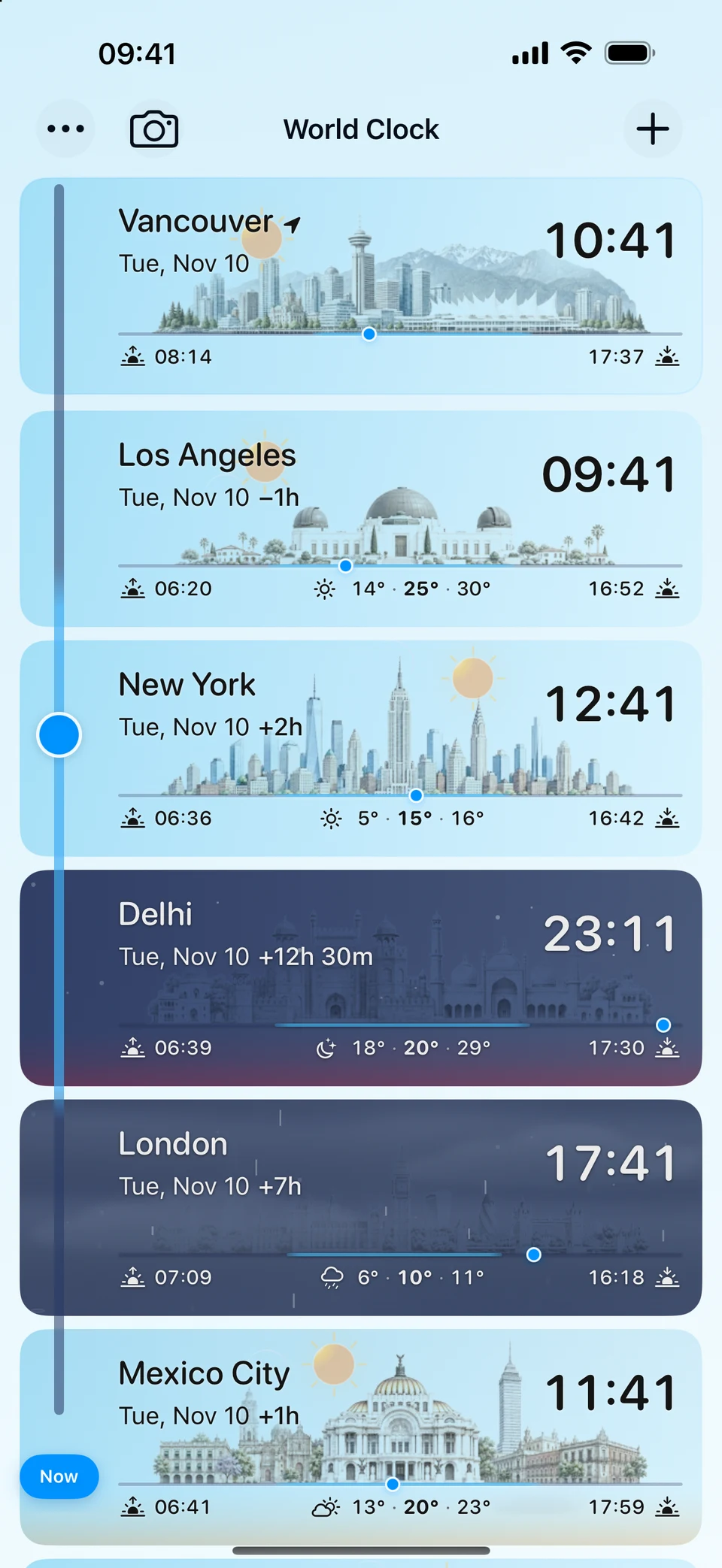
Move every saved city through time together, or return to Now with one tap.
Follow each city from sunrise to sunset with a clear daylight timeline and changing sky.
See current conditions, temperature, daily range, feels-like temperature, humidity, wind, and visibility.
See calculated sunrise, sunset, day length, moon phase, illumination, and a sky view that changes with time and place.
Browse photos in city details, share a view of your own, and follow your photos and comments in My.
Choose illustrated cards or a compact city list. Preview a font and style that make the times easy for you to read.
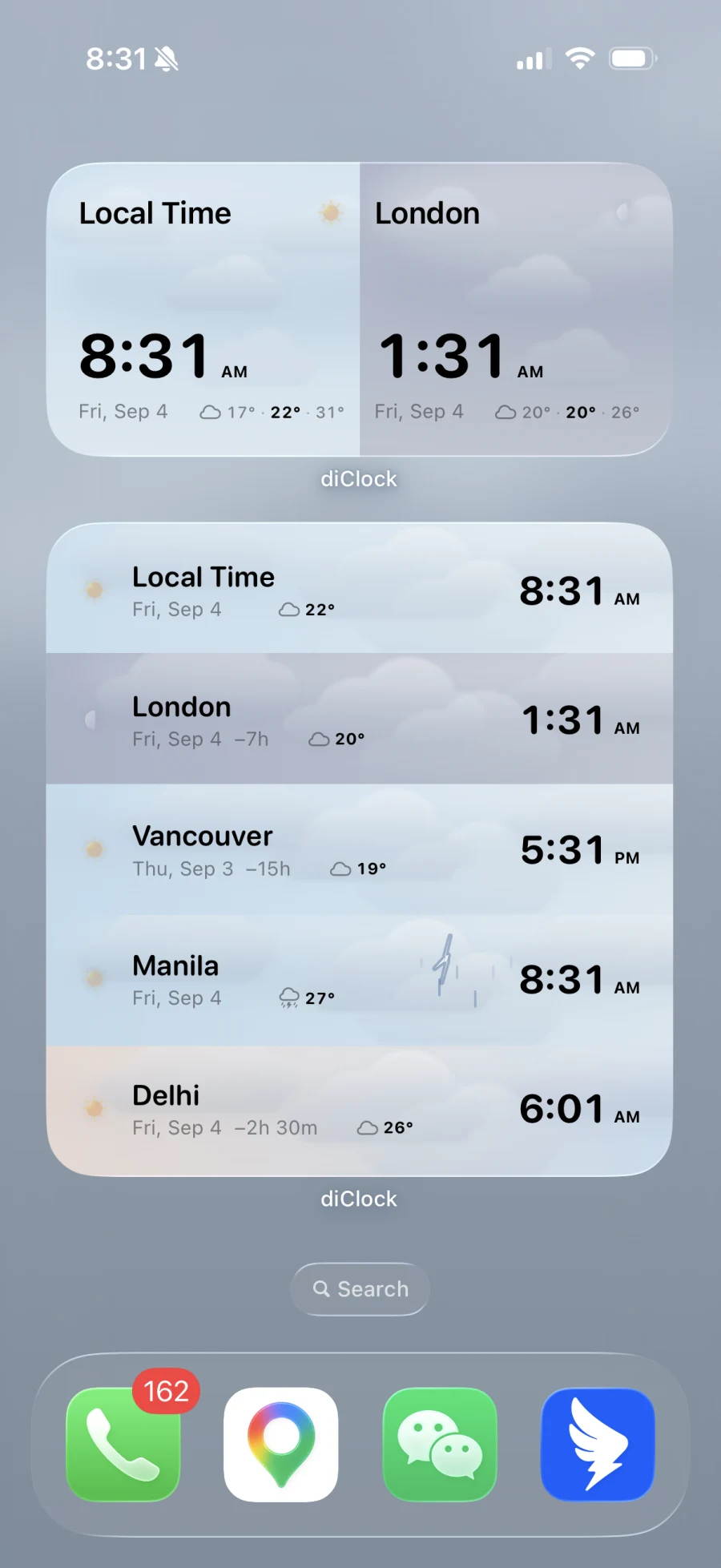
Keep one city, a pair, or a list in view. Home Screen clocks can use the same font you chose in the app.
Configure a widget’s city