


Automatic Edge Detection
Detect document boundaries and create accurate, clean scans.
 diScanner
Scan, organize, and export clean PDFs for free. Upgrade to Pro when you need to edit saved pages, add signatures, or fine-tune a document later.
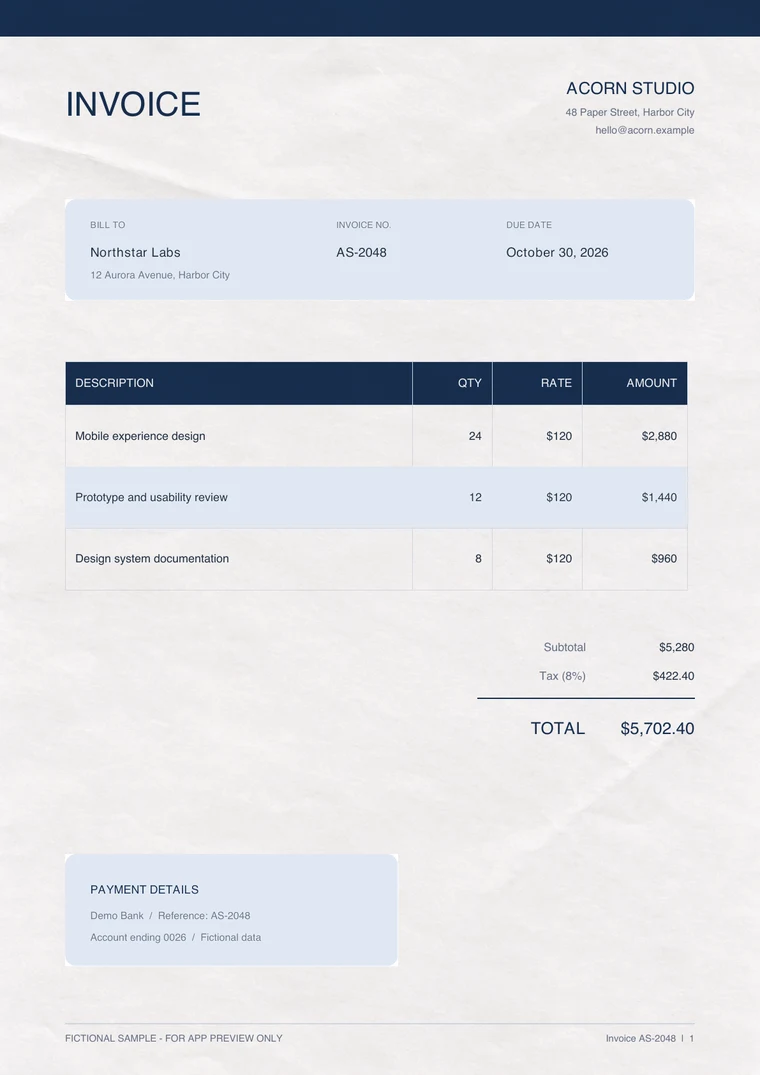
Detect document boundaries and create accurate, clean scans.
Select multiple photos and turn them into a sequential PDF.
Correct edges, perspective, rotation, and appearance before saving your scan.
Review, rotate, and reorder pages before exporting your document.
Recognize text in supported languages from a page or an entire document, then save it as TXT.
Reorder pages, create a PDF, and share it with AirDrop, email, or other apps.
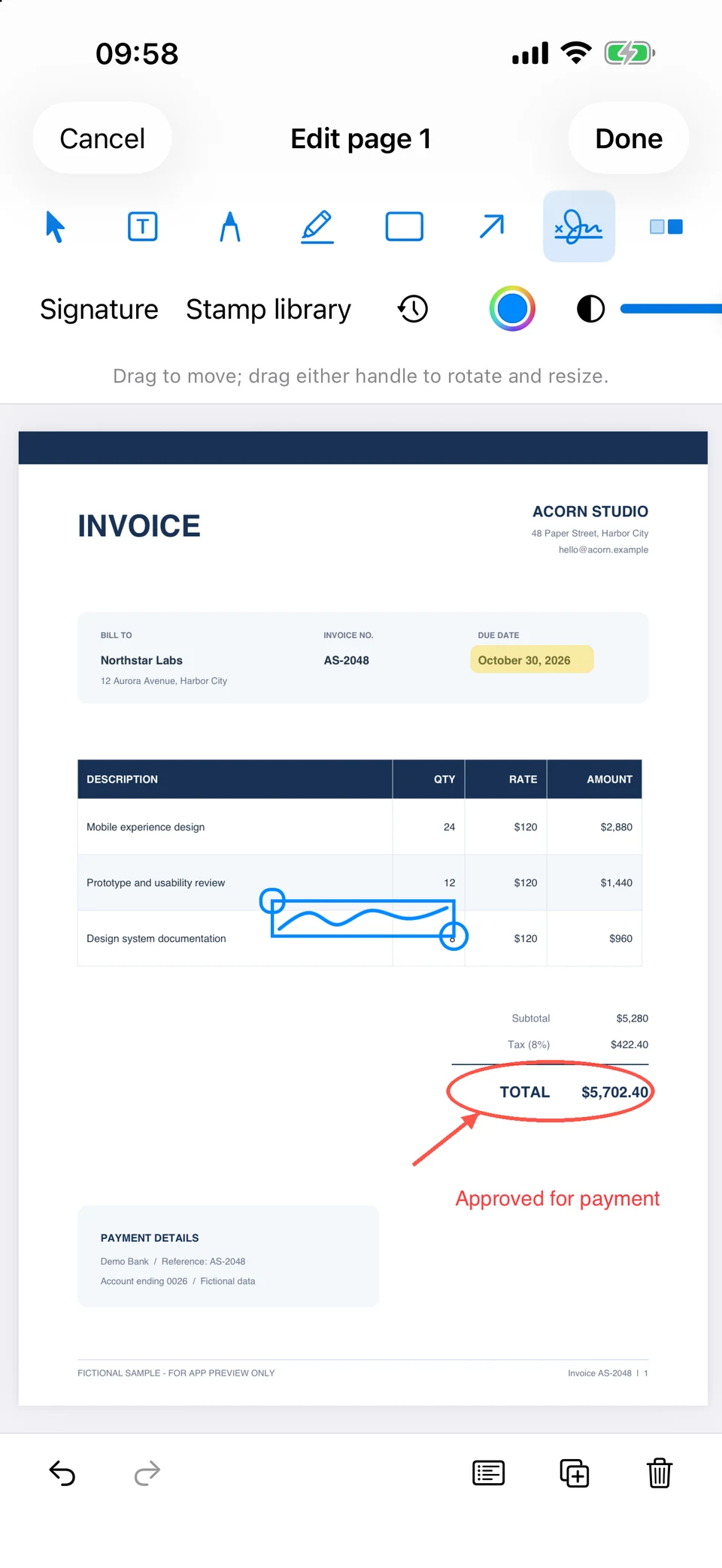
Pro enables saving edits made after scanning, including annotations, signatures, stamps, cropping, edge correction, and image enhancement.
Choose Monthly, Yearly, or Lifetime Pro. Availability, trial eligibility, and local prices are shown in the app before purchase.
You can scan and adjust pages before saving, import photos, organize pages, extract text, and export or share PDFs.
Pro is required to save changes made with Edit or Adjust Page after a document has been saved.
Open the purchase screen in diScanner to see the current options and App Store prices for your country or region.
Yes. Use Restore Purchases with the Apple Account that was used to buy Pro.
Scanning, document editing, and text recognition are processed on your device. No account is required to get started.