


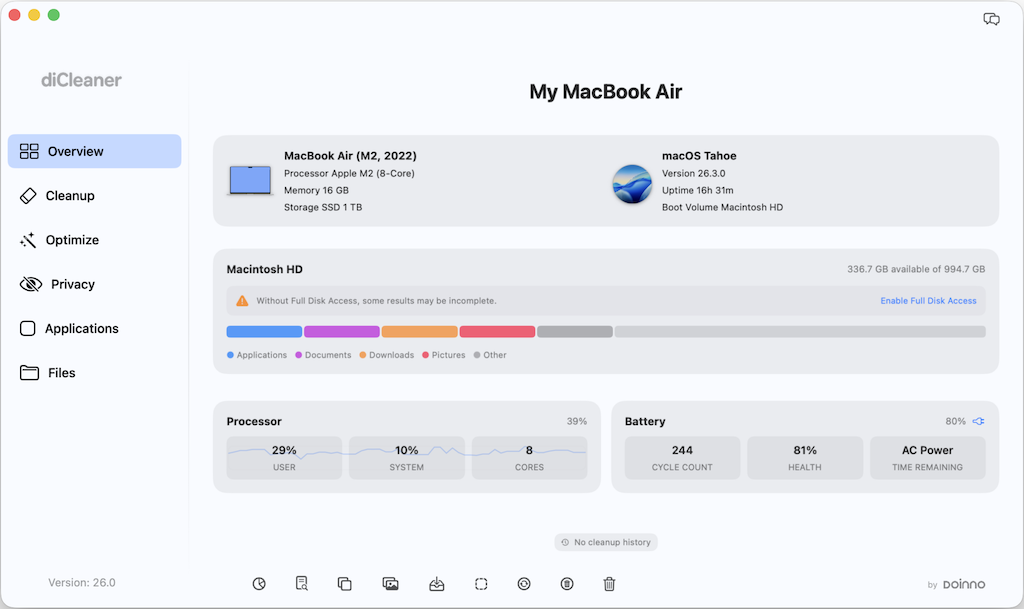
Overview
Overview offers a concise view of your Mac’s essential information — from hardware details and macOS version to live CPU activity, disk and display details, battery status, and network speeds.
For Mac
diCleaner brings clarity and control to your Mac. It helps you review and remove unnecessary files, check startup items, and keep your system organized and responsive.
Version 26.15 · Aug 28, 2026 · 28.3 MB · macOS Big Sur 11.5 or later
Everything is designed to be clear, controlled, and easy to understand.
Overview offers a concise view of your Mac’s essential information — from hardware details and macOS version to live CPU activity, disk and display details, battery status, and network speeds.
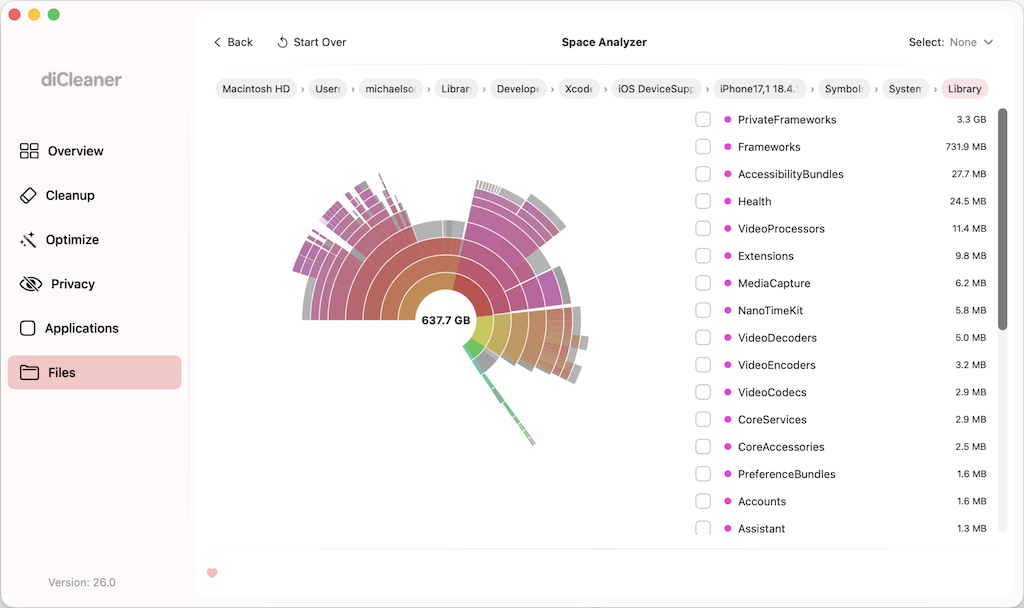
Visualize and search your scanned storage, uncover large or aging files, identify duplicates, and review similar photos and screenshots.
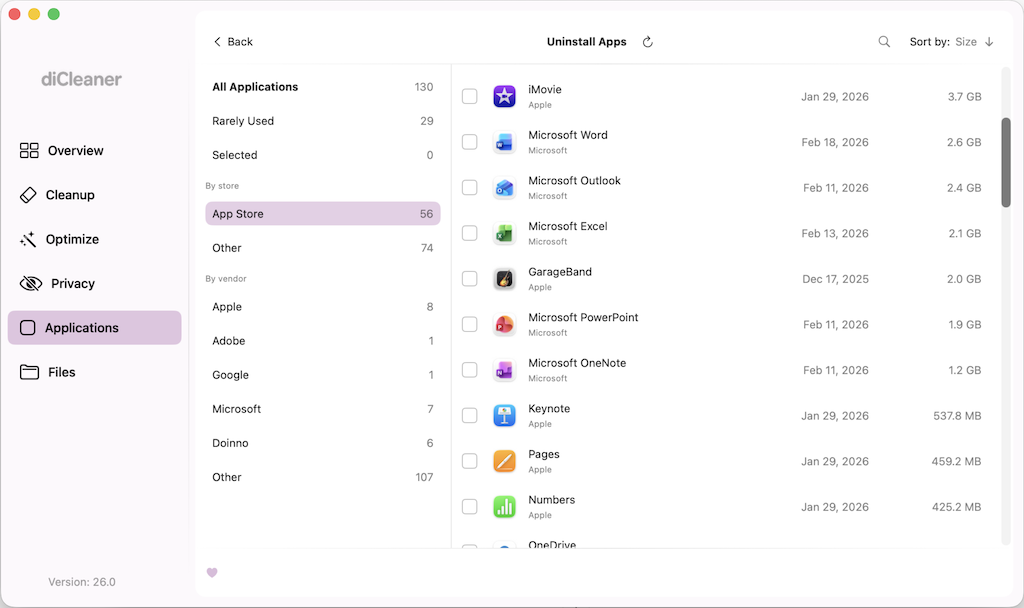
Uninstall apps, review related files and leftovers, check for software updates, and locate installers stored on your device.
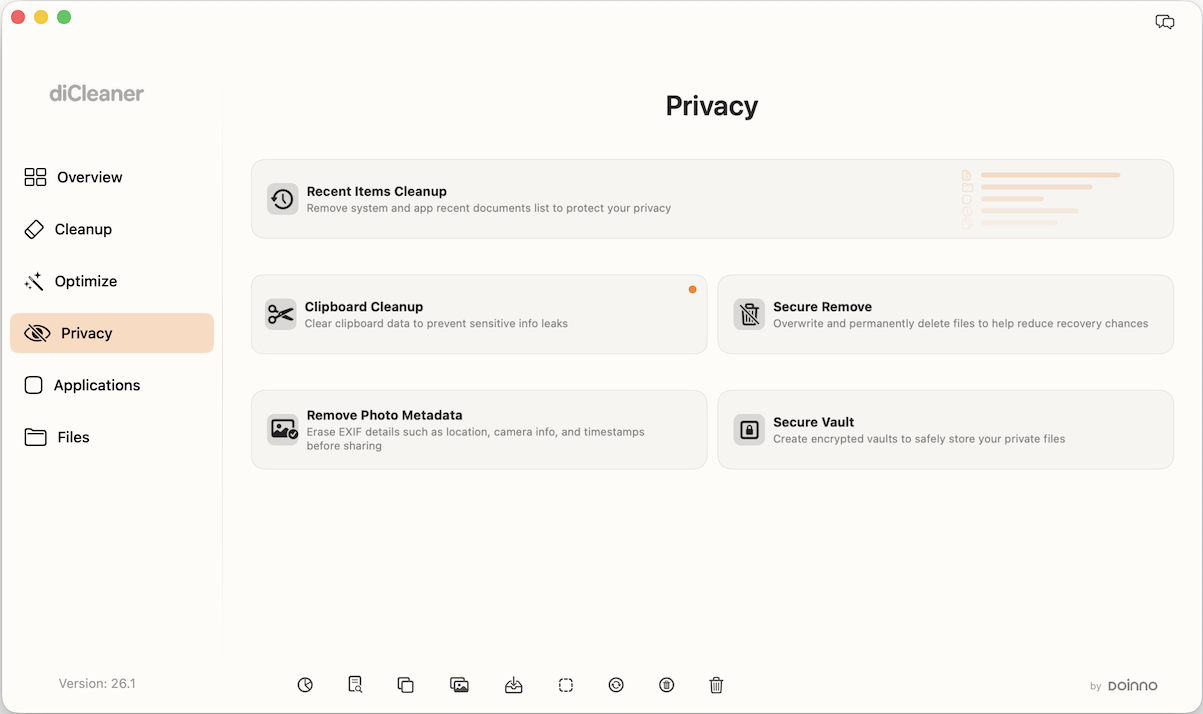
Review recent activity, clean clipboard history, remove sensitive photo metadata, use Secure Remove for selected files, and store documents in encrypted space with the Direct edition.
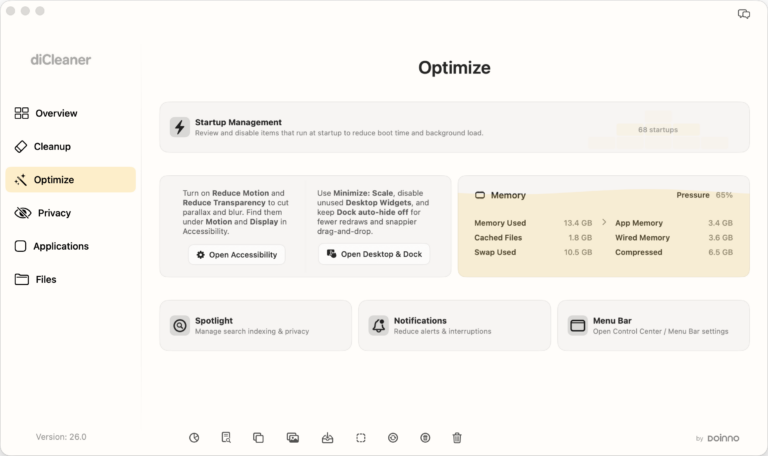
Manage startup items, review memory usage, close resource-intensive applications, and access key system settings.
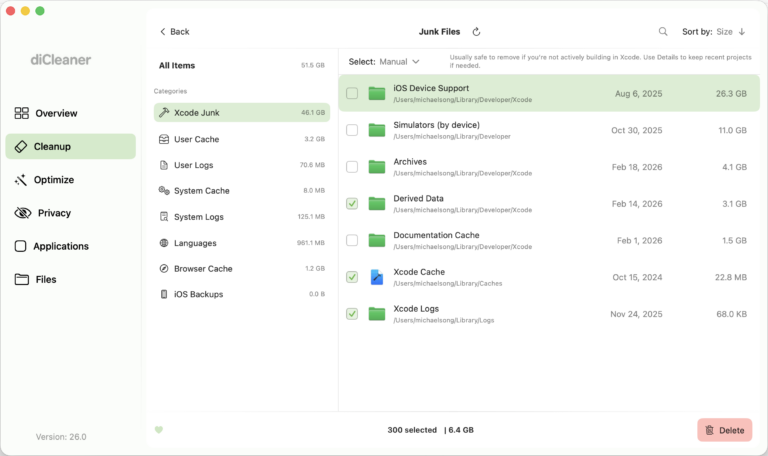
Review and remove unnecessary system data, including junk files, mail attachment caches, update residues, and Trash contents.
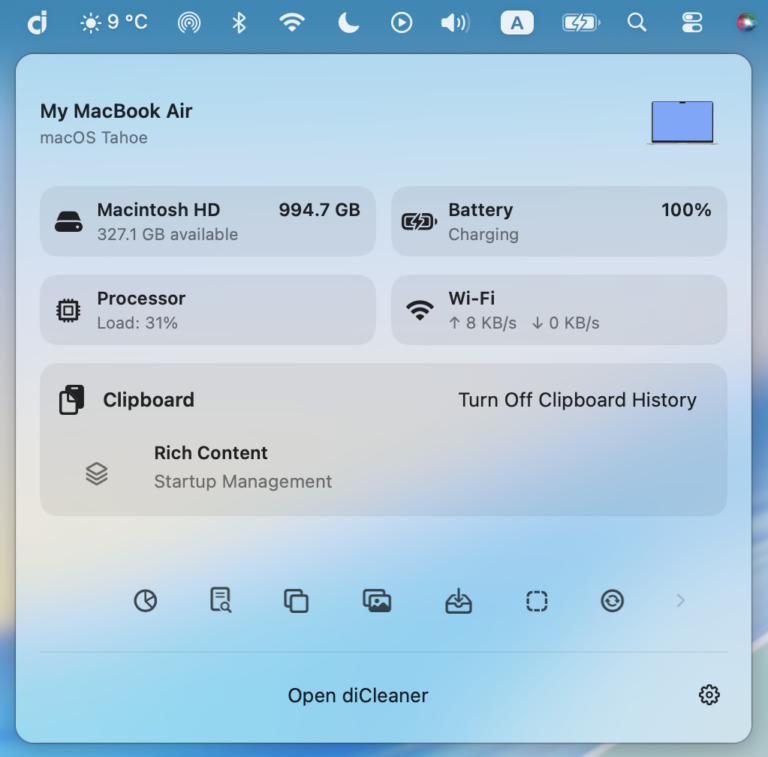
View storage, memory, CPU activity, and real-time network speeds directly from the menu bar.